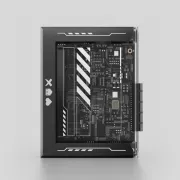
Is the ZimaBlade Worth It in 2026? The Low-Cost Mini Server for Your Homelab
Setting up a home server usually means spending hundreds of euros or settling for limited development boards. However, there is an option that often goes unnoticed and that, even in 2026, remains one of the best alternatives for its price-to-performance ratio: the ZimaBlade. In this article, we will analyze why this small Intel-based hardware can be the perfect heart for your Home Assistant, NAS or Docker server, outperforming the classic Raspberry Pi in many aspects.
On YouTube I share more tutorials, hands-on tests and real smart home setups. Subscribe on YouTube
Related video on YouTube
VideoWhat is the ZimaBlade and what can you do with it?
The ZimaBlade is not your typical mini PC; it's a board designed for makers and enthusiasts of self-hosting. Despite its compact size, it is capable of handling critical services for a smart home and a personal lab:
- Home Assistant: Ideal for home automation due to its stability and low power consumption.
- NAS storage: Thanks to its SATA port.
- Photo management with Immich: A private and powerful alternative to Google Photos.
- Docker and Proxmox: Total flexibility to run containers and manage lightweight virtual machines.
- Multimedia: Servers like Jellyfin for your own "Netflix" at home.
- Networking and Security: VPN with Tailscale or WireGuard, and ad blocking with AdGuard Home.
Technical Specifications: The power of the "old"
There are two main versions:
- ZimaBlade 3760: Intel Celeron Apollo Lake N3350 processor (2 cores, up to 2.4 GHz).
- ZimaBlade 7700: Intel Atom E3950 processor (4 cores, up to 2 GHz).
The most curious (and advantageous) aspect is its use of DDR3 memory. Although it may seem like outdated technology, this allows expanding RAM up to 16 GB for a ridiculous price, something that is often the largest expense in modern equipment.
Surprising connectivity:
- Power via USB-C.
- Port Gigabit Ethernet.
- SATA connectivity for hard drives.
- PCIe Express slot: A gem at this size that allows connecting everything from NVMe units to, with external power, even a dedicated graphics card!
Real Consumption: Maximum efficiency
One of the strong points is its energy efficiency. In our tests, the results are surprising:
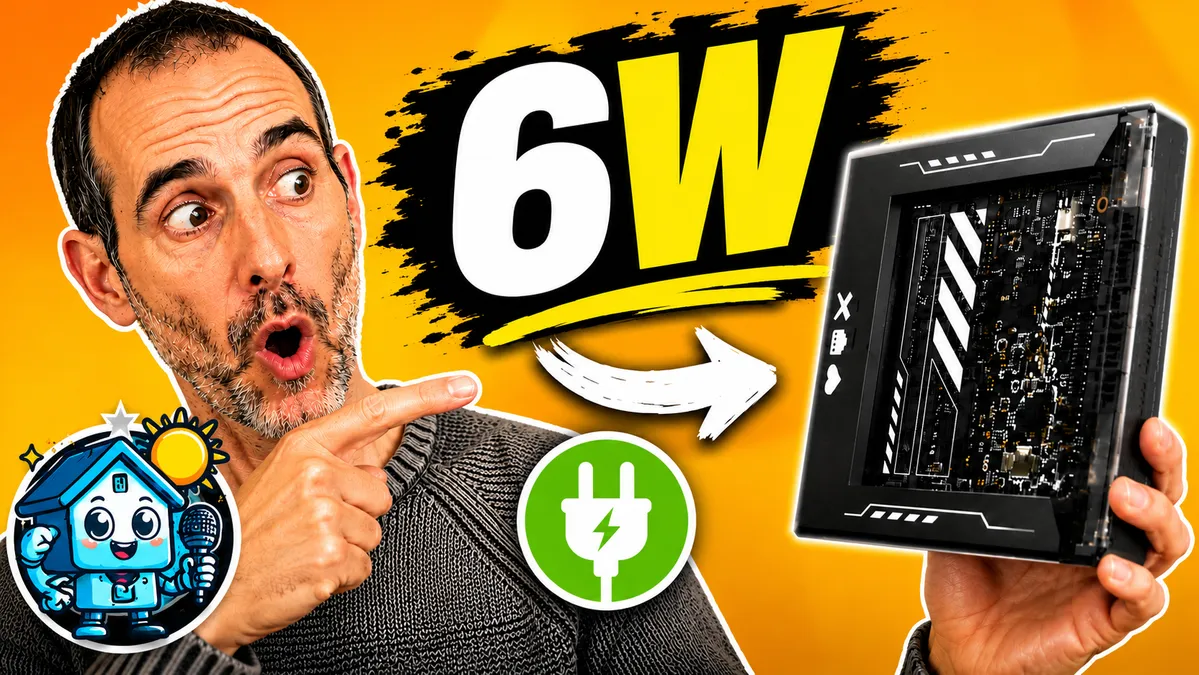
- At idle: Only 6W.
- Full load (CPU at 100%): It barely reaches 11W.
For a machine that will be on 24/7, this savings on the electricity bill is decisive.
Software: CasaOS and ease of use
Out of the box, the ZimaBlade comes with CasaOS, a visual layer on Debian that greatly simplifies application installation. With a couple of clicks from its "App Store", you can have Home Assistant or Immich running in seconds.
For advanced users, there's always access via the SSH terminal, allowing full control over the base system.
Pros and Cons
✅ The best:
- Unbeatable price: Very affordable for what it offers.
- Flexibility: The PCIe and SATA ports offer a lot of possibilities.
- Low power consumption: Ideal for always-on servers.
- Ease of use: CasaOS is perfect for beginners.
❌ The worst:
- A veteran processor: Don't expect to edit 4K video or manage dozens of heavy virtual machines.
- PCIe limitations: If you want to connect a powerful GPU, you will necessarily need an external power supply.
Conclusion: Should you buy it?
If you're looking for maximum raw performance for heavy tasks, you might want to look at options like the ZimaBoard 2 or more modern mini PCs. But, if your goal is to get started in the world of self-hosting, set up a robust Home Assistant, or build an affordable NAS, the ZimaBlade remains one of the smartest options in 2026.
It offers flexibility that very few devices at this price can match.