GL.iNet Flint 3 (GL-BE9300): The ideal router for Home Assistant and smart homes?
Tired of your ISP router crashing when you connect over 20 devices? If you run Home Assistant, use a NAS, or manage a Proxmox server, the GL.iNet Flint 3 (GL-BE9300) aims to be the ultimate fix. In this article we explain why this WiFi 7 router could be the brain your smart home needs.
On YouTube I share more tutorials, hands-on tests and real smart home setups. Subscribe on YouTube
Related video on YouTube
VideoTechnical Specs: Raw Power with OpenWRT
The Flint 3 isn't a typical router. It's built for power users who want full control.
- WiFi 7 Tri-band: Speeds up to 9300 Mbps with MLO (Multi-Link Operation).
- 5 x 2.5 GbE ports: All Ethernet ports are high-speed, removing LAN bottlenecks.
- Powerful hardware: Quad-core processor and a USB 3.0 port for basic NAS functionality.
- Open software: Based on OpenWRT, allowing almost limitless customization.
Unboxing and Getting Started
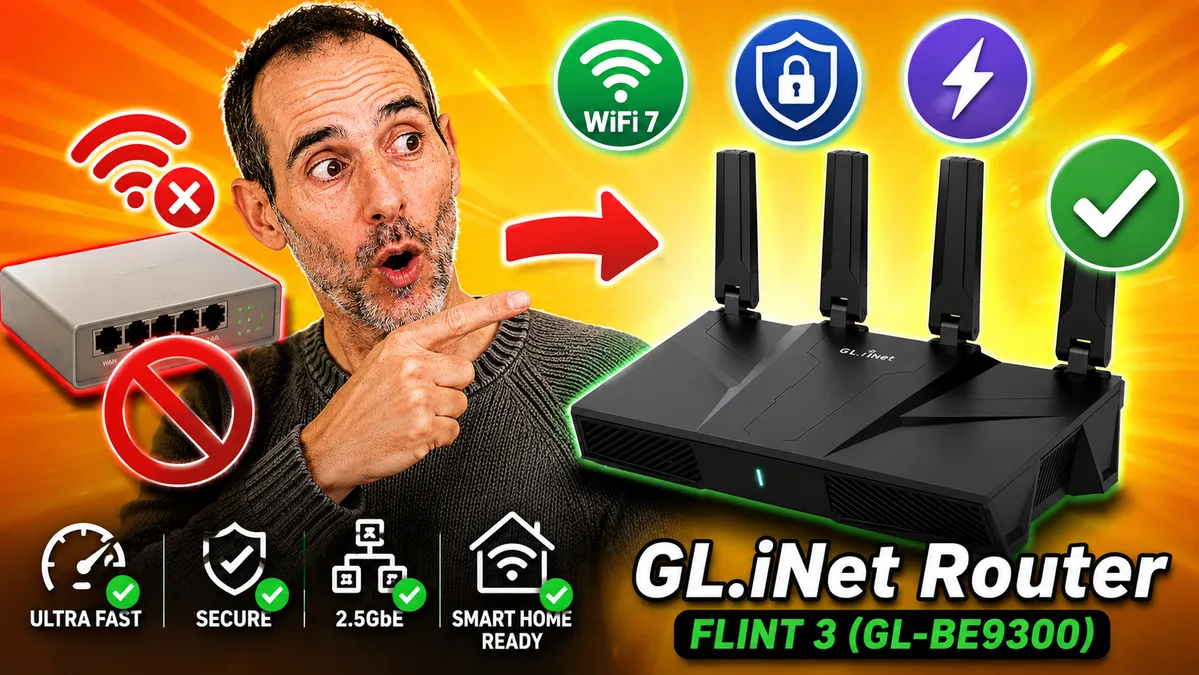
The package includes the router, a quality Ethernet cable, and a 12V/4A power adapter. Physically it's a sturdy unit with four high-gain antennas.
Initial Setup, Step by Step
- Physical connection: Connect the ISP router's cable to the Flint 3 WAN port.
- GL.iNet interface: Access it via the web. The dashboard is very intuitive, ideal for users who don't want to deal with command lines.
- Manual configuration: To integrate it into a complex network (as I did in my lab), set the WAN to a static IP and adjust the network mask so it can coexist with the main router without conflicts.
WiFi 7 and MLO: The Wireless Revolution
The standout feature is MLO. Unlike WiFi 6 routers, WiFi 7 allows a device to connect to the 2.4GHz, 5GHz and 6GHz bands at the same time.
- Benefit: Greater stability and lower latency for your sensors and security cameras.
- Speed test: In our tests we hit the line's maximum over WiFi, far exceeding the limits of standard routers.
Advanced features for pro users
1. WireGuard and OpenVPN
The Flint 3 can act as a VPN Server and Client. Setting up WireGuard takes seconds. This lets you securely access your home to manage Home Assistant without exposing ports to the internet.
2. Built-in AdGuard Home
Say goodbye to ads across your network. Enabling AdGuard Home on the router blocks ads and trackers on Smart TVs, phones, and tablets without installing anything else.
3. DNS and Security (Tor)
Includes options to configure DNS over TLS (Cloudflare, Google) and the ability to route traffic through the Tor network for maximum privacy.
4. OpenWRT LuCI
For techies, access to the LuCI interface lets you manage packages, advanced firewall rules, and network settings that no consumer router offers.
Performance on 2.5 GbE networks
Thanks to its five 2.5 Gigabit ports, file transfers between a PC and a NAS (like Synology or QNAP) fly. It's the perfect setup for those who edit video or handle heavy backups.
Integration with Home Assistant and smart home systems
The Flint 3 can handle hundreds of IoT devices without breaking a sweat. Additionally, its compatibility with WiFi Mesh systems lets you extend coverage in large homes without losing performance.
Where to buy
If you are interested in any of the options mentioned, here are the available links:
- GL.iNet GL-BE9300 Flint 3 — Reviewed in the video: AliExpress desde Europa · Amazon
- Tenda Nova MX15 Pro AX5400 WiFi Mesh (Mi Wifi Mesh): Amazon Pack de 1 · Amazon Pack de 3
- Tenda Nova MX12 AX3000 (Wifi Mesh económica): AliExpress
Conclusion: Is it worth switching?
If your network includes Proxmox, Frigate, IP cameras and Home Assistant, your ISP router is holding you back. The GL.iNet Flint 3 not only boosts speed but centralizes security and management for your digital home.
Buy with a discount: If you're buying it, remember to use the AliExpress coupons from my video to avoid customs fees and get the best price from the Germany warehouse.
Related video

Reviewed device