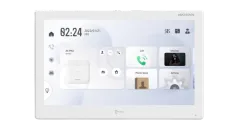
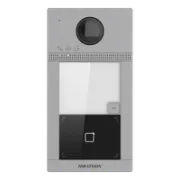
Hikvision DS-KH9510-WTE1 – The Android Video Intercom That Transforms Your Home Assistant
Imagine a video intercom that not only lets you open the door, but also serves as the central hub for your smart home? In this article, we take a deep dive into the Hikvision DS-KH9510-WTE1 display, a device that goes far beyond traditional features thanks to its Android operating system. You’ll learn everything from the physical installation to how to integrate it with Home Assistant so you can turn it into the ultimate wall panel.
On YouTube I share more tutorials, hands-on tests and real smart home setups. Subscribe on YouTube
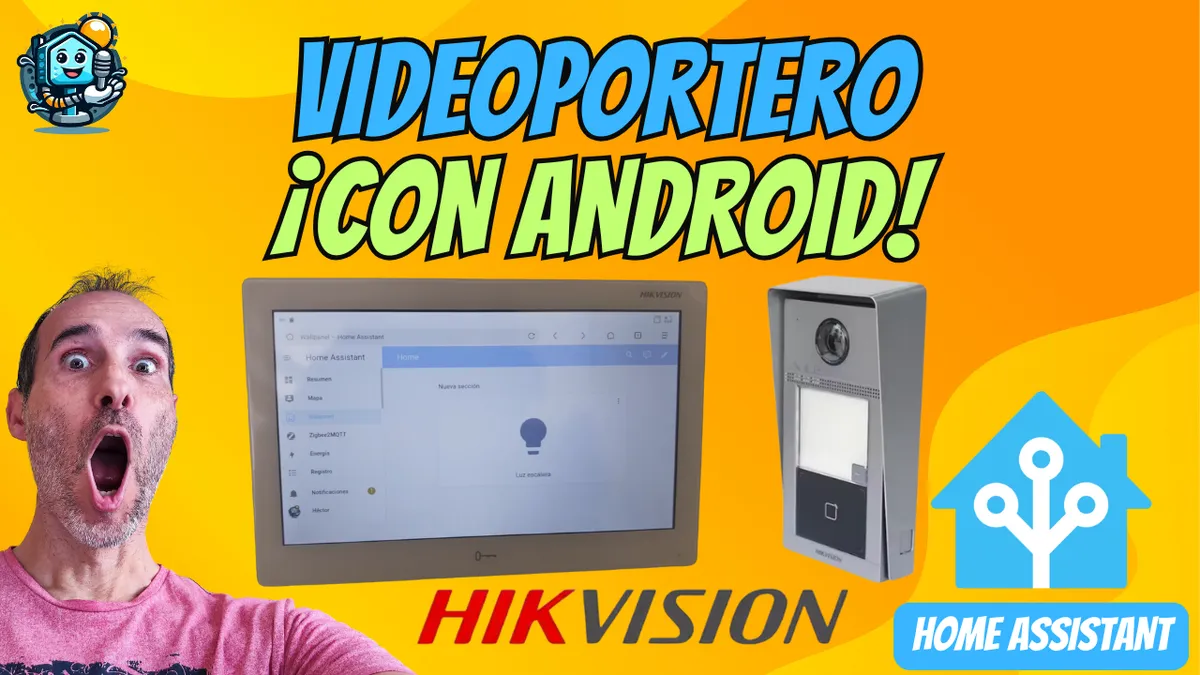
Related video on YouTube
VideoKey Features of the DS-KH9510-WTE1
This model is not a standard display. Its specs place it firmly in the high-end intercom category:
- 10-inch IPS touchscreen: 1024x600 resolution with excellent viewing angles.
- Android system: Lets you install third-party apps (APKs).
- Versatile connectivity: Supports PoE (Power over Ethernet) or 12V DC.
- Hik-Connect ecosystem: Integrated management of IP cameras, NVRs, and access control.
Step-by-Step Installation and Initial Setup
1. Physical Mounting
Installation is straightforward thanks to the included wall mount. You can power it directly with an Ethernet cable if you have a PoE switch, avoiding extra cables.
- Secure the bracket to the wall.
- Connect the RJ45 cable (PoE) or the 12V power supply.
- Hook the screen onto the mounts and slide it downward.
2. Network and Intercom Setup
When you turn it on for the first time, you’ll need to set the language, the administrator password, and assign a static IP (recommended to avoid connection issues).
Important: If you don’t see the image from the outdoor intercom, make sure the station is enabled in: Settings -> Advanced Settings -> Indoor Station Configuration. Enter the intercom IP and make sure the selection box is checked.
How to Install Android Apps and Use It as a Wall Panel
The real strength of this display is its ability to run third-party apps. Since it doesn’t have Google Play, we’ll use the APK sideloading method.
Steps to install apps:
- Extract the APK: Use an app like App Backup & Restore on your phone to get the
.apkfile from lightweight apps (e.g. the Via browser or a weather app). - Transfer: Copy the files to a microSD card.
- Installation: Insert the card into the side slot on the display, open the Android menu, and install.
Integration with Home Assistant
To use it as a smart home control panel, the best approach is to use the Via browser (very lightweight) and set the URL of your Home Assistant instance as the home page.
Pro Setup: Create a dashboard in Home Assistant tailored for 1024x600 resolution and with a light/dark theme that matches your wall.
Where to buy
If you are interested in any of the options mentioned, here are the available links:
- Hikvision DS-KH9510-WTE1 — Reviewed in the video: AliExpress
- Hikvision DS-KV8113-WME1 (Videoportero exterior): Aliexpress · Pack con pantalla
- Hikvision DS-KH6350-WTE1 — Budget option (Pack con videoportero): Pack con videoportero · Aliexpress
Conclusion: Is It Worth It?
The Hikvision DS-KH9510 is the ideal solution if you’re looking for an all-in-one device. It replaces both a conventional wall-mounted tablet and the video intercom monitor, delivering a professional look and solid integration.
Pros:
- Professional, rugged design.
- Dual function: Video Intercom + Smart Home Control.
- Reliable PoE power.
Cons:
- Limited hardware (not for heavy apps).
- Somewhat technical initial setup.
Related video

Reviewed device