Hikvision Smart Video Doorbell + Home Assistant (Full Control and Setup)
If you’re passionate about home automation, you’ll know that finding the perfect video doorbell is no easy task. After trying several models, today I’m bringing you what I consider the best option on the market for integrating with Home Assistant: Hikvision’s video doorbell system. In this article, we’ll cover the unboxing, physical installation, technical setup, and of course, full integration into your smart home ecosystem.
On YouTube I share more tutorials, hands-on tests and real smart home setups. Subscribe on YouTube
Related video on YouTube
VideoWhy choose Hikvision for your smart home?
Unlike other brands, Hikvision offers professional-grade reliability with impressive flexibility. The key points are:
- Native integration: Video control, relay opening, and call sensors in Home Assistant.
- Image quality: 7" indoor screen with 1024x600 resolution.
- Versatility: Supports PoE (Power over Ethernet) and WiFi.
- Security: Access control via NFC cards.
Unboxing and First Impressions
The main kit includes:
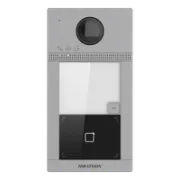
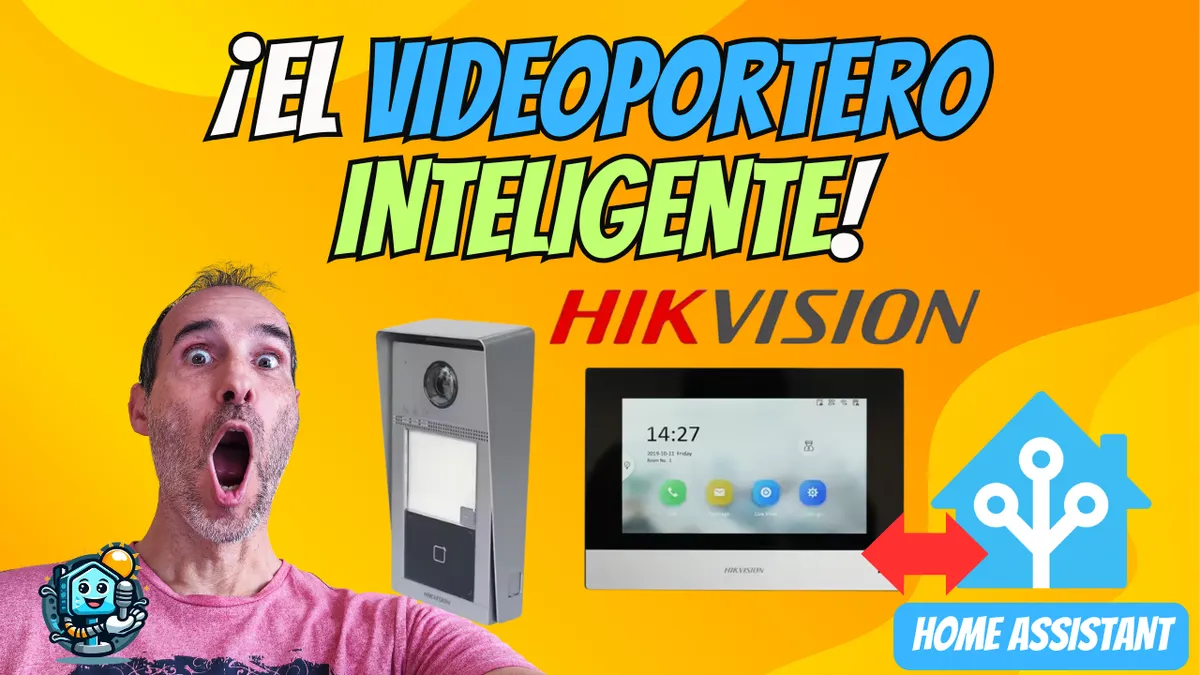
- Outdoor Unit (DS-KV8113-WME1): A sturdy doorbell with an integrated camera, NFC card reader, and rain protection.
- Indoor Screen (DS-KH6350-WTE1): A smooth touchscreen monitor for managing calls and seeing who’s at the door.
- Accessories: Mounting bracket, screws, connection cables, and setup NFC cards.
Step-by-Step Setup
1. Power and Network
You have two ways to power the system:
- PoE: Recommended if you have a PoE switch; one cable carries both data and power.
- 12V DC: If you’re using WiFi, connect a 12V transformer (at least 1A for the doorbell and 2A for the screen).
2. Hikvision SADP Tool
Before opening the browser, download the SADP tool. This utility will detect devices on your local network and let you:
- Activate the devices with a strong password.
- Assign static IPs (crucial so the Home Assistant integration doesn’t break).
3. Web Configuration (Device Portal)
Access it using the doorbell IP in your browser. From here you can:
- Change the language to Spanish.
- Set the schedule and WiFi network.
- Adjust the video quality (Main Stream for live view, Substream for quick previews).
- Access Control: Manage users and NFC cards.
Physical Installation and Wiring
To replace your old intercom:
- Outdoor Mounting: Use the rain cover and secure the plastic bracket. Tighten the safety screw with the included Allen key.
- Electric Lock: Connect your lock wires to the COM and NO (Normally Open) terminals on the outdoor doorbell.
- Indoor Mounting: The screen bracket is compatible with standard wall boxes. It simply snaps into place after the cables are connected.
Advanced Home Assistant Integration
This is the part that "changes everything." We’ll use the Hikvision-Addons repository by pergolafabio.
Add-on Setup (MQTT)
Install the "Hikvision Doorbell" add-on from HACS or as an external repository and configure the YAML file:
doorbell:
  - name: videoportero
    ip: 192.168.1.52
    username: admin
    password: tu_password
indoor:
  - name: monitor_interior
    ip: 192.168.1.53
    username: admin
    password: tu_password
mqtt:
  host: core-mosquitto
  username: tu_usuario_mqtt
  password: tu_password_mqtt
Camera Viewing (RTSP)
Add the camera using the "Generic Camera" integration with the following stream URL: rtsp://admin:password@IP_DEL_TIMBRE:554/Streaming/Channels/1
Recommended Automations
Since it’s integrated via MQTT, you can create rules like:
- Visual Notification: Have the living room lights blink when someone rings the doorbell.
- Security: If someone rings and you’re away, have Home Assistant send a screenshot to your Telegram.
- Remote Access: Open the door from the Home Assistant app without using the native app.
Where to buy
If you are interested in any of the options mentioned, here are the available links:
- Hikvision DS-KV8113-WME1 — Reviewed in the video (Videoportero exterior): Aliexpress · Pack con pantalla
- Hikvision DS-KH6350-WTE1 — Reviewed in the video (Pantalla interior): Pack con videoportero · Aliexpress
Conclusion
The Hikvision video doorbell is more than just a doorbell; it’s a central security piece for your Smart Home. Its stability and the depth of its integration make it this year’s top recommended purchase.
Have questions about the setup? Leave them in the comments or join our community. Don’t forget to take advantage of AliExpress coupons to get it at the best price!
Related video

Reviewed device
Videoportero exterior