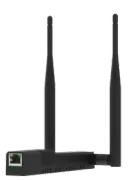
Complete SLZB-MR4U Guide: The Ultimate Home Assistant Coordinator for Zigbee, Matter and Thread
If you use Home Assistant, you have probably faced the protocol dilemma: you start with Zigbee, then Matter over Wi-Fi arrives, and now Thread is becoming increasingly important. Until recently, you needed a separate dongle or coordinator for each one. But the SMLIGHT SLZB-MR4U changes the game. In this guide, we explain why this device is so powerful, how to configure it step by step, and how to migrate your current Zigbee network without losing your devices.
On YouTube I share more tutorials, hands-on tests and real smart home setups. Subscribe on YouTube
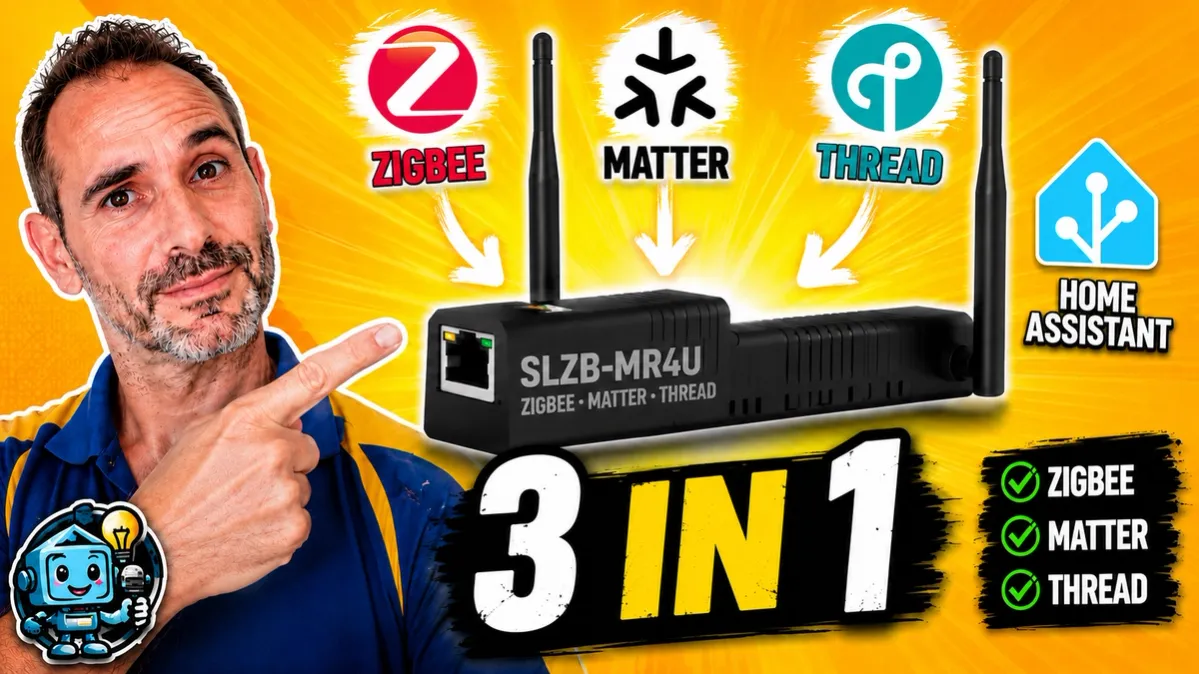
Related video on YouTube
VideoWhat makes the SLZB-MR4U special?
Unlike traditional USB coordinators, the SMLIGHT SLZB range works over Ethernet with PoE or Wi-Fi. This lets you place it wherever you get the best coverage in your home, regardless of where your Home Assistant server is located.
The most powerful feature of the MR4U is its two independent radios. This allows it to run simultaneously:
- Zigbee as the main coordinator.
- Thread/Matter as a Border Router.
Initial setup and access
Once connected via Ethernet, the device will get an IP address through DHCP. You can try accessing it through http://slzb-mr4u.local, but if that fails depending on your network configuration, the best option is to use an IP scanner such as Advanced IP Scanner.
Recommendation: static IP
To avoid disconnection issues in Home Assistant, the first thing you should do is assign a static IP:
- Go to Settings > Network.
- Disable DHCP.
- Assign the desired IP address, for example
192.168.1.94, along with the gateway and DNS. - Save the changes and the device will automatically reboot on the new address.
Step 1: Configure Zigbee and migrate without re-pairing
If you already have a Zigbee network with Zigbee2MQTT and want to replace your old coordinator with this one without re-pairing all your sensors, follow these steps:
- Backup: Before doing anything, make a backup of your
zigbee2mqttfolder in Home Assistant. - Port configuration: The MR4U uses specific chips. For Radio 2 with Z-Stack, the code in your Zigbee2MQTT
configuration.yamlshould match the examples shown in the coordinator web portal, under the Zigbee2MQTT section. - Turn off the old coordinator: Disconnect your old coordinator to avoid network conflicts.
- Restart: When Zigbee2MQTT starts, it will detect the new hardware and your devices should appear without having to touch anything.
Step 2: Configure Thread and Matter locally without cloud dependency
Thanks to its second radio, we can have our own OpenThread Border Router, eliminating the need to rely on devices such as Google Nest or Apple TV.
- Install the OpenThread Border Router add-on in Home Assistant.
- In the add-on configuration, to connect to Radio 1 of the SLZB, use this trick in YAML mode:
network_device: 192.168.1.94:6638 # Make sure to use the correct port for the assigned radio- Once started, go to Settings > Devices & Services > Thread.
- You will see the new Border Router. Set it as the Preferred Network.
- Now you can add Matter over Thread devices directly by scanning the QR code from the Home Assistant mobile app.
Bonus: USB pass-through port
The SLZB-MR4U includes a USB port with pass-through support. This means you could connect, for example, a Z-Wave dongle and the MR4U would send it over the network to Home Assistant, turning it into a triple-radio control hub with Zigbee, Thread and Z-Wave.
Recommended gear
These are the devices used in this project:
- SMLIGHT SLZB-MR4U — Reviewed in the video: AliExpress · Amazon
- SMLight SLZB-06p7U — Budget option (Solo 1 radio): AliExpress · Amazon SLZB-06
Conclusion: is it worth it?
The SLZB-MR4U is the ideal option if:
- You are starting from scratch and want future-ready hardware.
- You want to centralize everything in a single professional Ethernet device.
- You want full cloud independence for your Matter and Thread devices.
If your current setup is already working well, there is no need to rush into replacing it. But if you are looking for stability, flexibility and power, this coordinator is currently very hard to beat.
Related video

Recommended gear