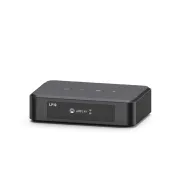
🎵 Turn your vintage amp into a smart system with ARYLIC LP10 🔥 AirPlay 2 + Google Cast + BT + Home Assistant
Got a classic amp that sounds amazing but has become "deaf" to modern streaming? Don’t retire it. In this guide I show how I turned my vintage stereo into a cutting-edge smart system using the Arylic LP10. For about $99 you get AirPlay 2, Google Cast at 96kHz/24bit and full Home Assistant integration.
On YouTube I share more tutorials, hands-on tests and real smart home setups. Subscribe on YouTube
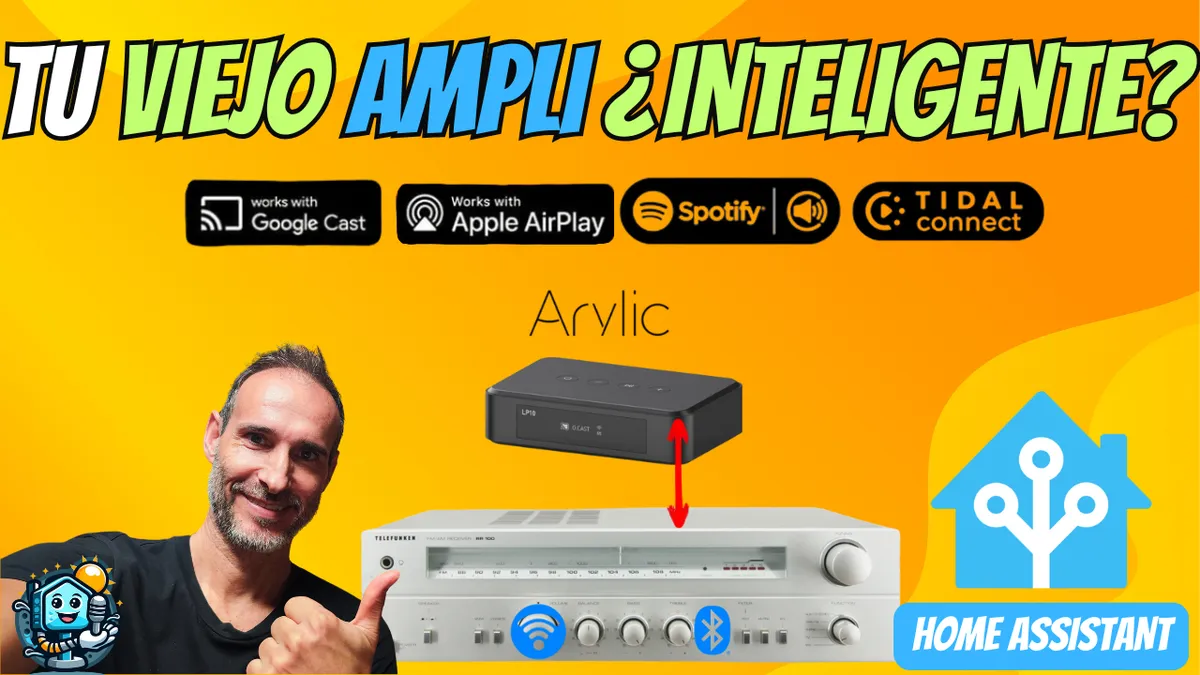
Related video on YouTube
VideoWhy the Arylic LP10 is the perfect partner for vintage gear
The biggest drawback of older receivers is the lack of wireless connectivity. The Arylic LP10 acts as a high‑fidelity bridge that adds modern features without sacrificing the warm analog sound of your amplifier.
Key features:
- Protocols: AirPlay 2, Google Cast (Chromecast), Spotify Connect, Tidal Connect, DLNA/UPnP.
- Connectivity: Bluetooth 5.0, Ethernet, Wi‑Fi 2.4/5 GHz.
- Audio quality: Optical output (up to 24‑bit/192kHz) and analog RCA output.
- Control: Mobile app (Go Control) and web configuration panel.
🛠️ 5-Minute Installation Guide
- Physical connection: Connect the LP10's RCA (analog) or Optical (digital) output to an auxiliary input on your vintage amplifier.
- Power: Plug in the included USB‑C cable.
- Go Control app: Download the app on your phone to link the device to your Wi‑Fi network.
- Enable Google Cast: In the app, make sure Google Cast is enabled so you can stream high‑resolution audio (96/24) from any compatible app.
🏠 Integration with Home Assistant and Music Assistant
This is where the magic happens for home automation enthusiasts. The Arylic LP10 is compatible with DLNA Digital Media Renderer integration DLNA Digital Media Renderer and with Google Cast.
Step 1: Web Configuration
Access your device's IP address from a browser. I recommend setting a Static IP so your automations never break.
Step 2: Music Assistant
By adding the LP10 to Music Assistant you'll get a professional interface to manage your music library, showing album art, artist names, and allowing volume control directly from the Home Assistant dashboard.
Step 3: Automation Code (Example)
You can create automations so that when music plays your living room lights adjust or a display turns on showing the album cover.
alias: "Vintage Music Scene"
trigger:
  - platform: state
    entity_id: media_player.arylic_lp10
    to: "playing"
action:
  - service: light.turn_on
    target:
      entity_id: light.salon_vintage
    data:
      brightness_pct: 30
      rgb_color: [255, 150, 50]
✅ Pros and Cons: My honest opinion
What I like most:
- Stability: Support for AirPlay 2 and Google Cast is flawless.
- Price: At under $100, it's hard to find anything with so many networking options.
- Size: It's ultra‑compact, perfect for hiding behind the amplifier.
New to Home Assistant?
If this video sparked your curiosity but you don't know where to start with home automation, I recommend my Free Home Assistant Course.
Note: This article contains affiliate links. If you purchase through them, you support the upkeep of this blog at no extra cost to you. Thanks for the support!
Where to buy
If you are interested in Arylic LP10, here are the available purchase options:
- Arylic LP10 — Reviewed in the video: Amazon · AliExpress