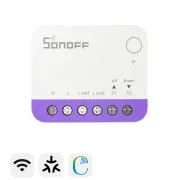
How to Automate Your Roller Blinds in 10 Minutes: SONOFF MINI-RBS Matter WiFi and Home Assistant Guide
Can you imagine your roller blinds opening automatically at sunrise or closing by themselves when you leave home? Even better: without building work, without replacing your existing wall switches and for less than €20. In this article, I show you step by step how to install and configure the SONOFF MINI-RBS, a smart relay for motorized blinds that is becoming a very interesting option thanks to its Matter compatibility and ultra-compact size.
On YouTube I share more tutorials, hands-on tests and real smart home setups. Subscribe on YouTube
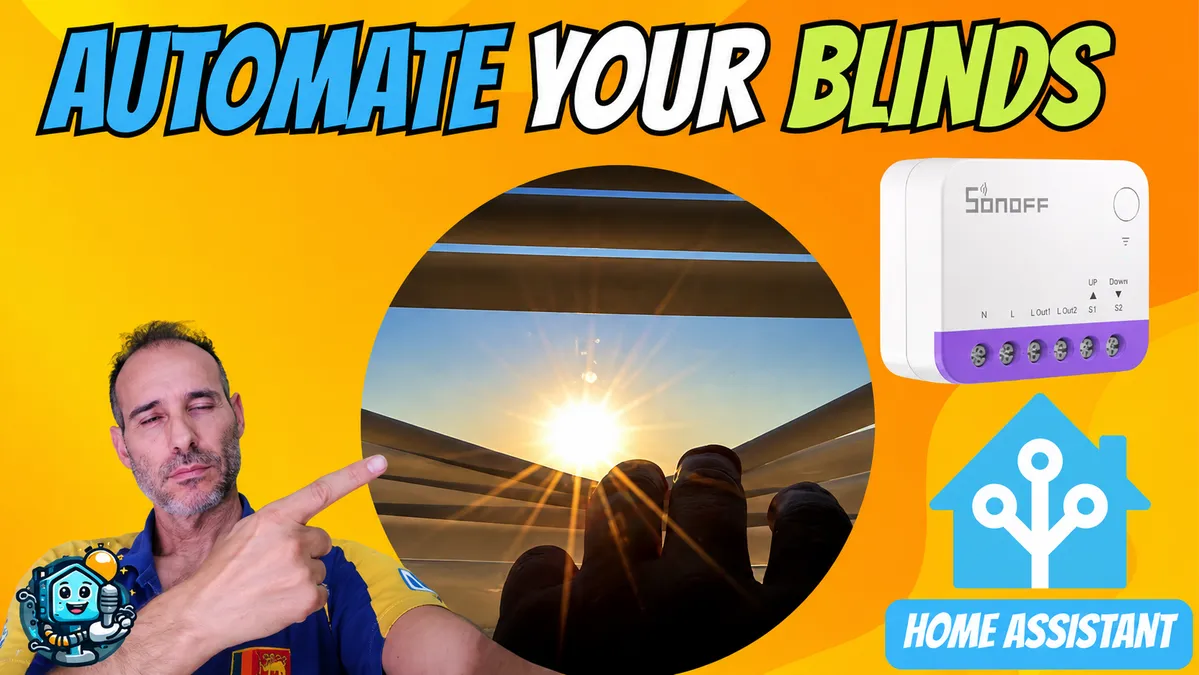
Related video on YouTube
VideoWhat is the SONOFF MINI-RBS and why choose it?
The SONOFF MINI-RBS is a WiFi relay designed specifically for motorized roller blinds and shutters. Unlike other models, its tiny 39 mm size allows it to fit inside small wall switch boxes where other relays simply do not fit.
Key features:
- Matter compatibility: Works locally with Home Assistant, Alexa, Google Home and Apple HomeKit.
- Automatic calibration: Learns the travel distance of your blind automatically so you can control it by percentage from 0 to 100%.
- Motor protection: Prevents the up and down directions from being activated at the same time, helping protect the lifespan of your motor.
- Hybrid control: You keep manual control using your existing wall switch.
Get it here! Buy the SONOFF MINI-RBS on AliExpress and take advantage of the July 2026 discount coupons available at the end of the post.
Requirements: Is it compatible with my roller blind?
Before you start, check these points:
- Physical switch: Your blind must have a wall switch. It will not work if it only operates with an RF remote control.
- Accessible wires: You need access to Live (L), Neutral (N), and the up and down motor wires.
- Power: The motor must not exceed 240 W or 1 A.
Step-by-step installation
The installation is simple, but always remember to turn off the electricity before handling any wires.
Wiring diagram:
- Inputs, S1 and S2: Connect the wires coming from your physical wall switch here, for up and down.
- Outputs, L1 and L2: Connect the wires that go directly to the roller blind motor.
- Power supply: Connect Live (L) and Neutral (N) to the corresponding terminals.
- Note: The motor also needs to receive Neutral directly.
Once connected, you will see a flashing LED, which indicates that it is ready for pairing.
Setup and integration
1. eWeLink app and calibration
Add the device in the eWeLink app. Once inside, the first step is automatic calibration. The relay will raise and lower the blind to identify the end stops. From that moment on, you can tell it: Lower the blind to 50%.
2. Home Assistant integration via Matter
Because it is a Matter device, the integration is fully local and very fast:
- In Home Assistant, go to Add device -> Add Matter device.
- Scan the QR code included on the SONOFF device itself.
- Done! You now have full control, including opening percentage, without relying on external clouds.
Recommended gear
These are the devices used in this project:
- SONOFF MINI-RBS — Reviewed in the video: AliExpress · Amazon · PC Componentes
- ZigBee Smart DIY Motor for Chain Roller Blinds (AM43): Official website (coupon: ) · Aliexpress
Conclusion: Is it worth it?
If you are looking for an affordable, reliable solution that does not change the look of your home, the SONOFF MINI-RBS is probably one of the best options available right now. Its Matter integration makes it future-proof.
Do you have questions about the wiring? Leave them in the comments and I will help you solve them.
Related video

Recommended gear