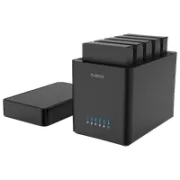
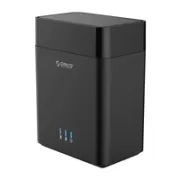
Orico DS Series: The solution for expanding your Mini PC storage
One of the biggest challenges when getting started with Home Assistant or home servers built around Mini PCs is limited storage. Mini PCs are powerful and efficient, but they are usually limited to one or two internal drives. To solve that, I’ve been testing the Orico DS Series drive enclosure, an external storage station with up to 5 bays that aims to be the ideal companion for your home lab.
On YouTube I share more tutorials, hands-on tests and real smart home setups. Subscribe on YouTube
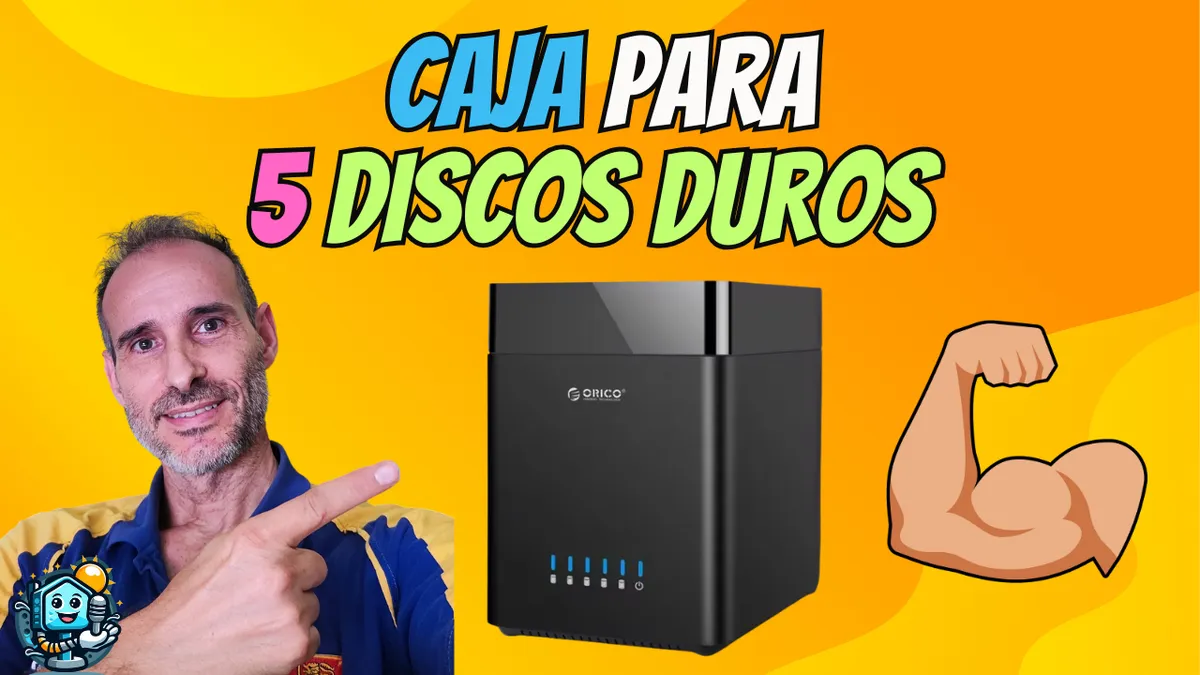
Related video on YouTube
VideoWhy choose an external bay enclosure?
If you have a movie collection for Plex, do heavy backups, or simply have 3.5" SATA hard drives or 2.5" SSDs gathering dust, the Orico DS Series lets you bring everything together in a single device connected with one USB cable.
Key technical features:
- Massive capacity: Available in 2- and 5-bay versions, supporting up to 18TB per drive (that’s up to 90TB total!).
- Connectivity: USB 3.0 interface with UASP support, ensuring speeds of up to 5 Gbps.
- Magnetic design: Forget the screws. The top cover is magnetic, making drive swaps take only seconds.
- Active cooling: Includes a large fan in the base to keep your mechanical HDDs at an optimal temperature, extending their lifespan.
Performance and speed tests
In the tests carried out on the channel, file transfer remains stable. Since it uses a USB 3.0 connection, it’s ideal for:
- Media storage: Content servers like Jellyfin or Plex.
- Network backups: Set up a shared SMB folder on your Mini PC for whole-home backups.
- NVR for cameras: Store recordings from your Reolink cameras (such as the TrackMix) without overloading the system drive.
Integration into your Smart Home
Although it’s a "plug and play" device, if you use Proxmox or Home Assistant OS, you can "map" these external drives so they’re visible inside your virtual machines or containers.
It’s an affordable and straightforward way to build a home NAS without having to spend the €500-600 that a 5-bay unit from brands like Synology or QNAP usually costs.
Example: Mounting the drive on Linux (CLI)
If you connect the enclosure to a Linux server, you can quickly identify your drives and add them to your system:
# List the drives connected by USB
lsblk

# Create a mount point for your new data drive
sudo mkdir /media/nas_datos
sudo mount /dev/sdb1 /media/nas_datos
Where to buy
If you are interested in any of the options mentioned, here are the available links:
- ORICO DS500U3 5-Bay 3.5" Hard Drive Dock USB 3.0 — Reviewed in the video: Amazon · Aliexpress
- ORICO DS200U3 — Budget option (2 bahías): AliExpress
Conclusion: Is it worth it?
If you’re looking for a tidy setup, a clean look, and an independent power supply that won’t strain your Mini PC’s USB ports, the Orico DS Series is a solid value-for-money option, especially if you take advantage of AliExpress coupons.
Related video

Reviewed device