🚀 Xtend Tuya: How to Unlock ALL Hidden Sensors from Your Tuya Devices in Home Assistant
Have you ever connected a Tuya device to Home Assistant and only seen a generic “status” entity or maybe just a temperature sensor, even though you know the device measures much more? You are not alone. The official Tuya integration is known for being somewhat limited. Today I show you the definitive solution: Xtend Tuya. With this method, you can unlock hidden sensors from your air quality monitors, smart plugs with energy monitoring and many other Tuya and Smart Life devices inside Home Assistant.
On YouTube I share more tutorials, hands-on tests and real smart home setups. Subscribe on YouTube
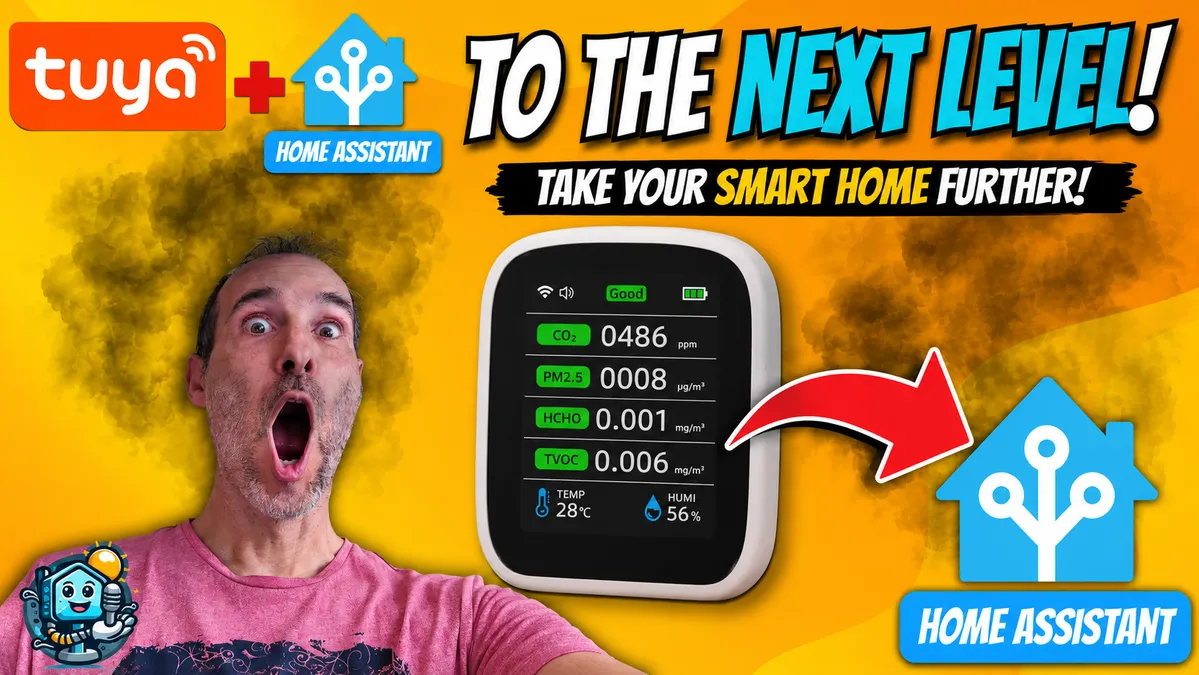
Related video on YouTube
Video❓ The problem: why doesn’t Home Assistant show all my Tuya sensors?
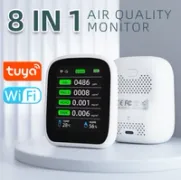
The official Tuya integration uses an API that, for efficiency or design reasons, does not always expose every function of the device. For example, in the AliExpress CO2 monitor we reviewed previously, the official integration often hides PM2.5 particle levels or Formaldehyde, showing only CO2 or temperature.
This is where Xtend Tuya comes in, a custom component that forces Home Assistant to read all the available data points, or DPs, exposed by the device.
🛠️ Requirements before you start
Before starting, make sure you have:
- The official Tuya integration already configured in Home Assistant.
- HACS installed in Home Assistant to make downloading custom components easier.
📥 How to install Xtend Tuya step by step
1. Installation from HACS
Search HACS for the Xtend Tuya repository. If it does not appear, you can add it manually using the GitHub project URL: https://github.com/azerty9971/xtend_tuya. Once downloaded, restart Home Assistant.
2. Component setup
Go to Settings > Devices & Services and add the new Xtend Tuya integration. This is where the magic happens. The system will ask you for:
- Your Tuya IoT Platform credentials, the same ones you used for the official integration.
- Select the devices you want to extend.
3. The credentials trick
For Xtend Tuya to work at 100%, it is recommended to use the full credentials method. This allows the component to directly query the device data schemas in the Tuya cloud, unlocking entities you did not even know existed.
📊 Results: what do we actually gain?
If we use the channel’s air quality monitor as an example, the change is huge:
- Before, with the official integration: We could only see CO2 and temperature.
- After, with Xtend Tuya: Entities appear for PM1.0, PM2.5, PM10, TVOC, HCHO and display brightness control.
This is not just cosmetic. By having these entities available, you can create advanced automations such as:
- "If PM2.5 particles exceed 25 µg/m³, turn the air purifier to maximum power".
- "If the Formaldehyde level rises, send a critical notification to the phone".
🔌 Does it work with other devices?
Yes. Xtend Tuya is a Swiss army knife. It is especially useful for:
- Power strips and smart plugs: To see voltage, current and live consumption if the official integration does not show them.
- Thermostats: To access calibration settings or special modes.
- Presence sensors: To adjust hidden delay times.
Recommended gear
Device used in this project: Tuya 8-in-1 Air Quality Monitor. If you need it, here is where to find it:
- Tuya 8-in-1 Air Quality Monitor — Reviewed in the video: AliExpress
Technical conclusion
Xtend Tuya is one of those essential tools for any Home Assistant user with Tuya or Smart Life ecosystem devices. It is the difference between having a merely connected device and having a device fully under your control.
Have you unlocked any interesting sensor with this method? Tell me in the comments.
If you like optimizing your Home Assistant setup as much as possible, subscribe to my newsletter or follow my channel for more tips like this.